
Can't focus when you read? Seven things that help
Your eyes reach the bottom of the page and nothing went in. None of these fixes need willpower: they change what your eyes and ears are doing.
 Sergei, maker of Litra · 4 min read

You read a paragraph, read it again, and then notice you have been thinking about dinner for half a page. It happens to everyone, and it happens more on a phone, where every other app is one swipe away.
Most of it is mechanical. Attention drifts when the page gives it nothing to hold on to. Give it a voice to follow, a marker to chase or a smaller goal, and the drifting gets rarer.
1. Let your ears help your eyes
Listening while you follow the text is one of the oldest tricks there is. The voice sets the pace, and your eyes stop wandering because there is always a lit sentence to look at. If a paragraph slips past, you hear it anyway.
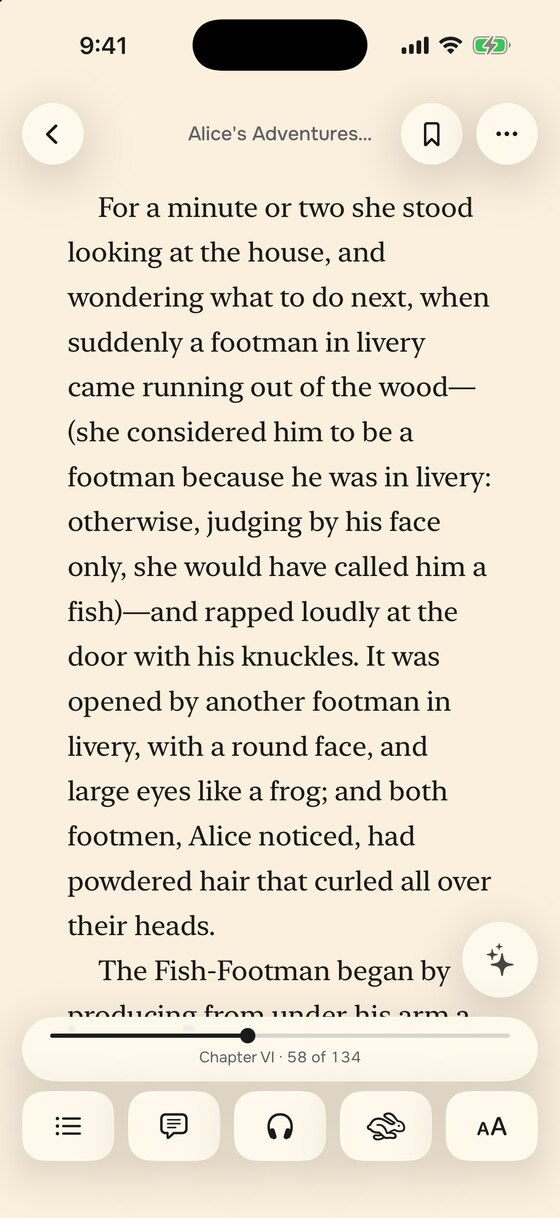
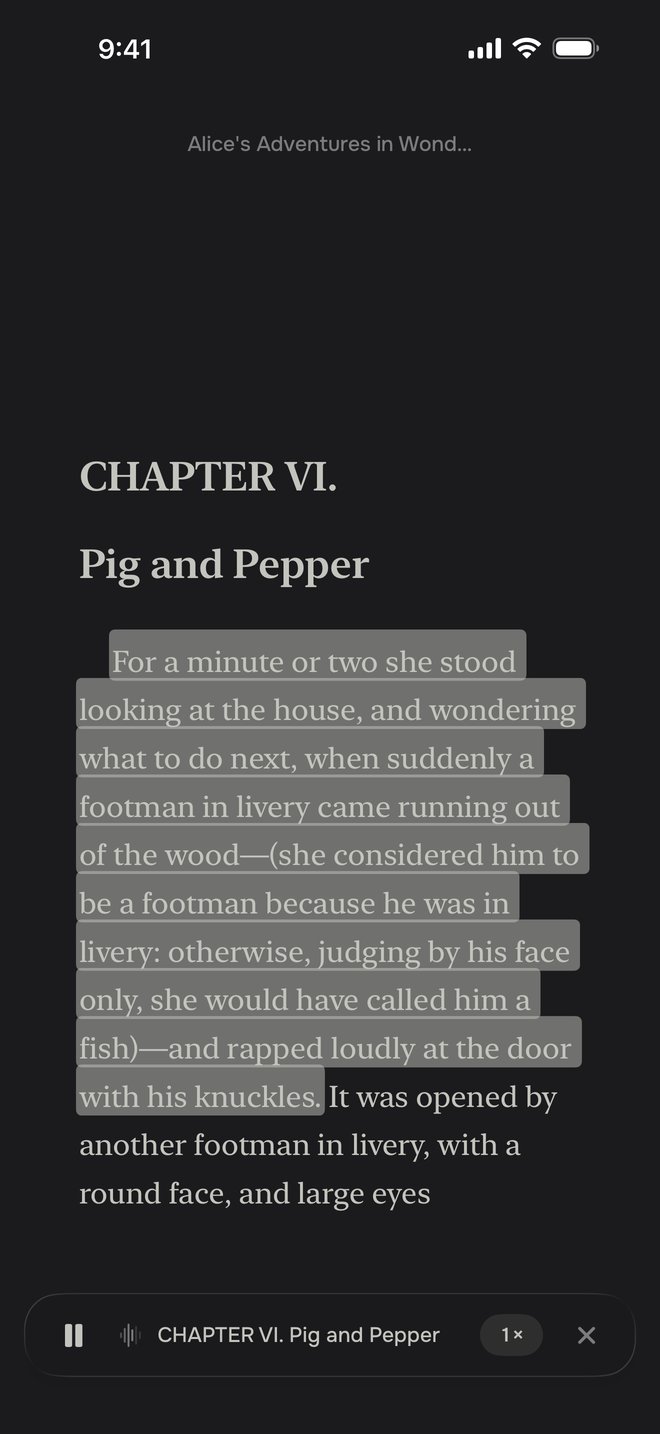
Start at normal speed. Once the voice begins to feel slow, push it up a step: a slightly fast voice leaves less room for your own thoughts to fill in. In Litra, read aloud runs on the phone itself, so it also works offline and with the screen locked.
It helps on tired days too. Close your eyes for a page and just listen, then pick the text back up at the lit sentence. You keep your place without having to hunt for it.
2. Give your eyes a pacer
A pacer is a marker that moves across the words at a steady speed. Your eyes follow it instead of jumping back to the line you already read, which is where a lot of reading time quietly goes.
Set it a little faster than feels comfortable. When it reaches the end of the page, the page should turn on its own, so nothing breaks the rhythm.
If you notice you stopped understanding, step the speed back down. The point is to stay with the text, not to race it.
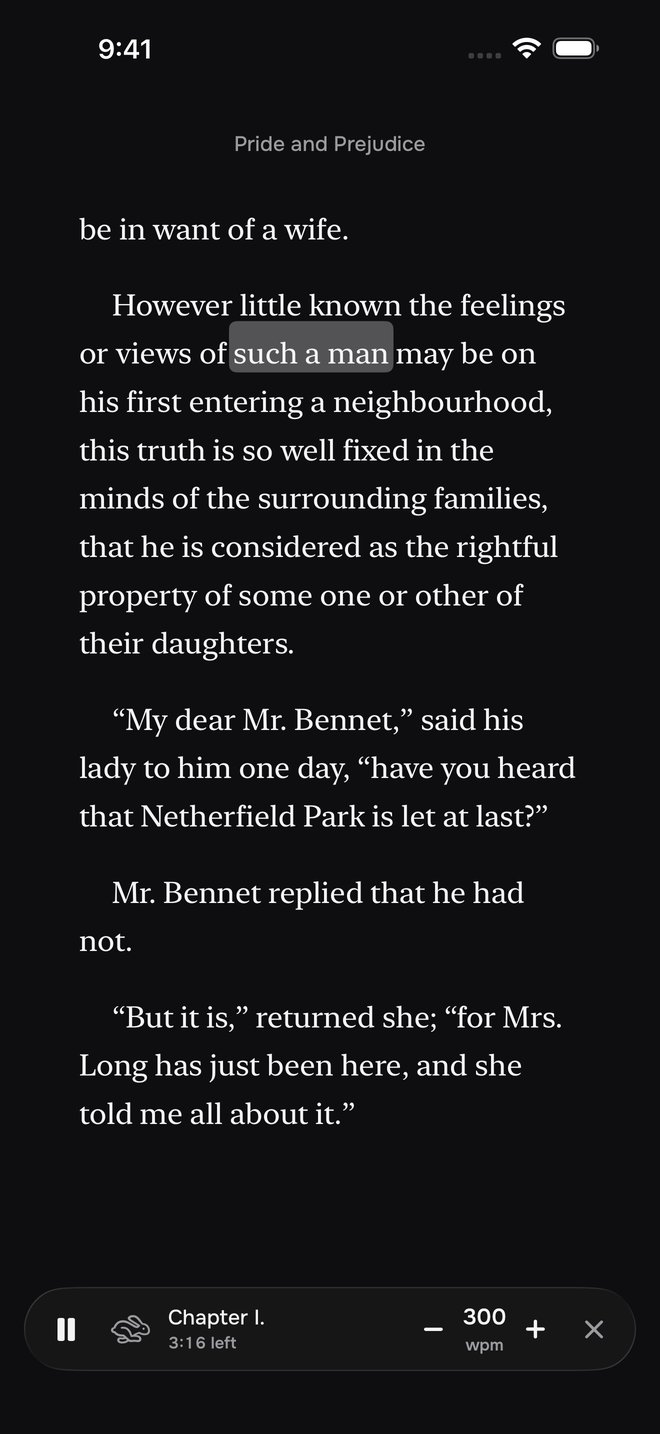
“Set the pace a little faster than feels comfortable. A slow pace gives your mind room to leave.”
3. Read for ten minutes, not an hour
An hour feels like a commitment, and a commitment is easy to put off. Ten minutes is small enough to start right now, and most days ten turns into twenty without you noticing.
Tie it to something you already do every day: the first coffee, the ride to work, the last ten minutes before sleep. A small daily habit beats a heroic weekend session.
Count only the minutes you actually read. A timer that runs while the book sits open in the background measures the wrong thing.

4. Make the page easier to look at
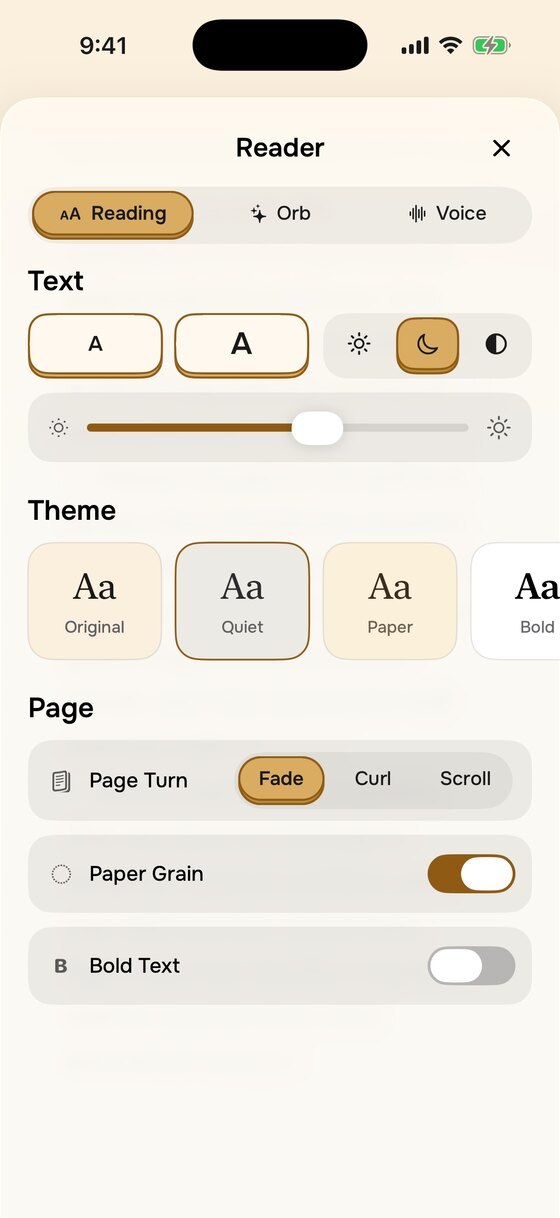
Small type, tight lines and a glaring white page make reading harder work than it needs to be. Make the text bigger than you think you need, add a little space between lines, and switch to a warm or dark page in the evening.
If letters seem to crowd each other, try wider letter spacing. Some readers with dyslexia find it helps, and it costs nothing to try.
Reading in bed, with the lights off? Turn the brightness down and use a dark page. A bright white screen in a dark room is the loudest thing around, and it is hard to settle into a book that shouts.
5. Ask instead of rereading
When you lose the thread, going back three pages is the slow way to find it. Ask a question instead: who is this character, what just happened, what does this word mean here.
The answer only helps if it comes from the book you are holding. A summary written from someone's memory of the title can be wrong, and in a novel it can give away what happens next.
6. Put the phone in reading mode
A notification in the middle of a page costs more than the second it takes to read it. Turn on a Focus on your iPhone before you start, so messages wait until you are done.
Close the other apps too. Every open tab is a small decision not to look at it, and those decisions add up over a chapter.

7. Stop at the end of a chapter
Stopping in the middle of a scene makes the next session start cold. Stop where the chapter stops, and coming back feels like turning a page rather than starting over.
Before you close the book, write one line about what just happened. Next time, read that line first and you are back in the story in seconds.
If you return after a long break, a short recap of what happened so far is faster than rereading.
Before you open the book
- Pick the chapter you will finish today.
- Turn on a Focus so notifications wait.
- Start read aloud or the pacer, one step faster than comfortable.
- Aim for ten minutes, not an hour.
SergeiSergei makes Litra, a book reader for people whose attention slides off the page.